How Senior Engineers Actually Build With AI in 2026
Loading...
Loading...


Join JS Mastery Pro to apply what you learned today through real-world builds, weekly challenges, and a community of developers working toward the same goal.
Most developers building with AI right now hit the same wall.
The first few hours feel incredible. The code looks clean. Features ship fast. Then a week later you open a session, and the agent has forgotten every decision you made. You try to add one new feature, and it breaks three others. The codebase you were excited about starts fighting you instead of helping.
If you've built anything serious with AI, you already know this pattern.
Most developers hit that wall and assume the tool failed them. It didn't. They just didn't have a system.
That's not an AI problem. It's an architecture problem.
At Google, Amazon, and Netflix, before any serious project starts, engineers spend weeks writing documents. Sometimes months. They're called design docs at Google, one-pagers and six-pagers at Amazon, RFCs at other places. The format changes by company, the principle is the same. Figure out what you're building before you build it.
Senior engineers at these companies sometimes go months without writing production code. They're designing systems, making architectural decisions, reviewing what other engineers ship.
Software engineering has never really been about typing the most lines per day. It's always been about thinking clearly about what should exist before you build it.
When you bring AI into a project that has no architectural thinking behind it, the agent fills in the gaps with assumptions. Those assumptions look fine individually. Together they create drift that takes hours to untangle.
The clearer your understanding of what you're building, the better the AI output. Which means learning to think at a system level isn't a waste of time in the AI era. It's the investment that makes everything else possible.

There's a real difference between these two approaches that most developers haven't internalized yet.
Spec-driven development keeps the thinking with you and gives the agent a system to execute against. You stay the architect. The agent becomes the implementation engine.
Look at how the difference shows up in actual prompts.
A developer using vibe coding writes:
Build me a SaaS app with authentication and a real-time canvas.
A developer using spec-driven development writes:
"I'm adding a Liveblocks room provider to the workspace route. Auth is already handled by Clerk middleware. The canvas uses React Flow. Room tokens should be issued only after verifying project membership. Wire the provider into the existing workspace layout without touching the sidebar or navbar."

Before any serious project, I write six files. None of them contain code. Together they're what turn an AI agent from a guesser into a developer who already knows your codebase.
Project overview covers what the product is, who it's for, the core flows, and what's deliberately out of scope. This file is what stops scope creep mid-build. Without an explicit out-of-scope list, the agent will start suggesting features you never asked for.
Architecture defines the tech stack, the boundaries between layers, and the invariants the codebase must never break. Examples of invariants from a recent project: long-running AI work never happens inside a request handler. Auth gets enforced at every mutation boundary. Server components by default, client components only where browser interactivity genuinely requires it. These are the guardrails that catch AI drift before it compounds.
Code standards keep the agent consistent across every unit of the build. TypeScript conventions, file organization, naming. Without it, code in unit 5 looks different from code in unit 15, and you spend the last third of the project reconciling patterns that should have been the same from the start.
AI workflow rules keep the agent disciplined. One unit at a time. Small verifiable steps over large speculative changes. Never combine unrelated concerns in a single prompt. What to do when a requirement is unclear. This is the file that prevents the agent from doing too much in a single session.
UI context holds the design tokens and component conventions. Color palette, typography, spacing rhythm, component patterns, layout rules. Defined upfront so the UI stays coherent across every page the agent ships.
Progress tracker is the one most developers skip and most need. Current phase. What's complete. What's in progress. Architecture decisions made along the way. The agent has zero memory between sessions. Without this file, the first 15 minutes of every new session is re-explaining your project to the agent. With it, one prompt and you're back in motion. Even six months later.
Once those six files exist, the build runs in units.
You break the project into specific scoped pieces before you start. Not vague phases like "build the dashboard" but concrete units small enough to build in a single focused session, with clear conditions for what done looks like.
Each unit has its own spec file.
The spec defines the goal, the design decisions, the implementation details, the dependencies, and a checklist of what has to be true before the unit is complete.
Then you give the spec to your coding agent in one prompt. Read this spec. Mark it as in progress in the progress tracker. Implement it exactly as specified. Don't go beyond scope.
The agent reads your spec, reads your context files, and builds against a defined system instead of guessing. You review against the checklist. If it passes, you close the unit, push the code, and move to the next spec. If something's off, you write a focused corrective prompt: exactly what's wrong, exactly what you expect, fix that specific thing, move on.
That's the entire workflow.
The job market for developers in 2026 is harder than it was two years ago. Some entry-level work has been automated. Clients who used to hire freelancers for straightforward projects are doing them themselves. People who learned to prompt without learning to think are flooding the market.
If you're worried about that, you're not wrong to be worried.
They're the ones who learned just enough to execute without understanding the system behind it.
That was always a fragile place to be.
AI just made the fragility visible faster.
The way through isn't to avoid AI to prove you're a real developer, and it isn't to hand everything over to AI either. It's to learn architectural thinking, the systems-level judgment AI cannot replace, and then use AI to build at the speed of someone with twice your experience.
One person, with the right system, can build what used to take a team. That's not a threat to developers who think clearly. It's the opportunity.
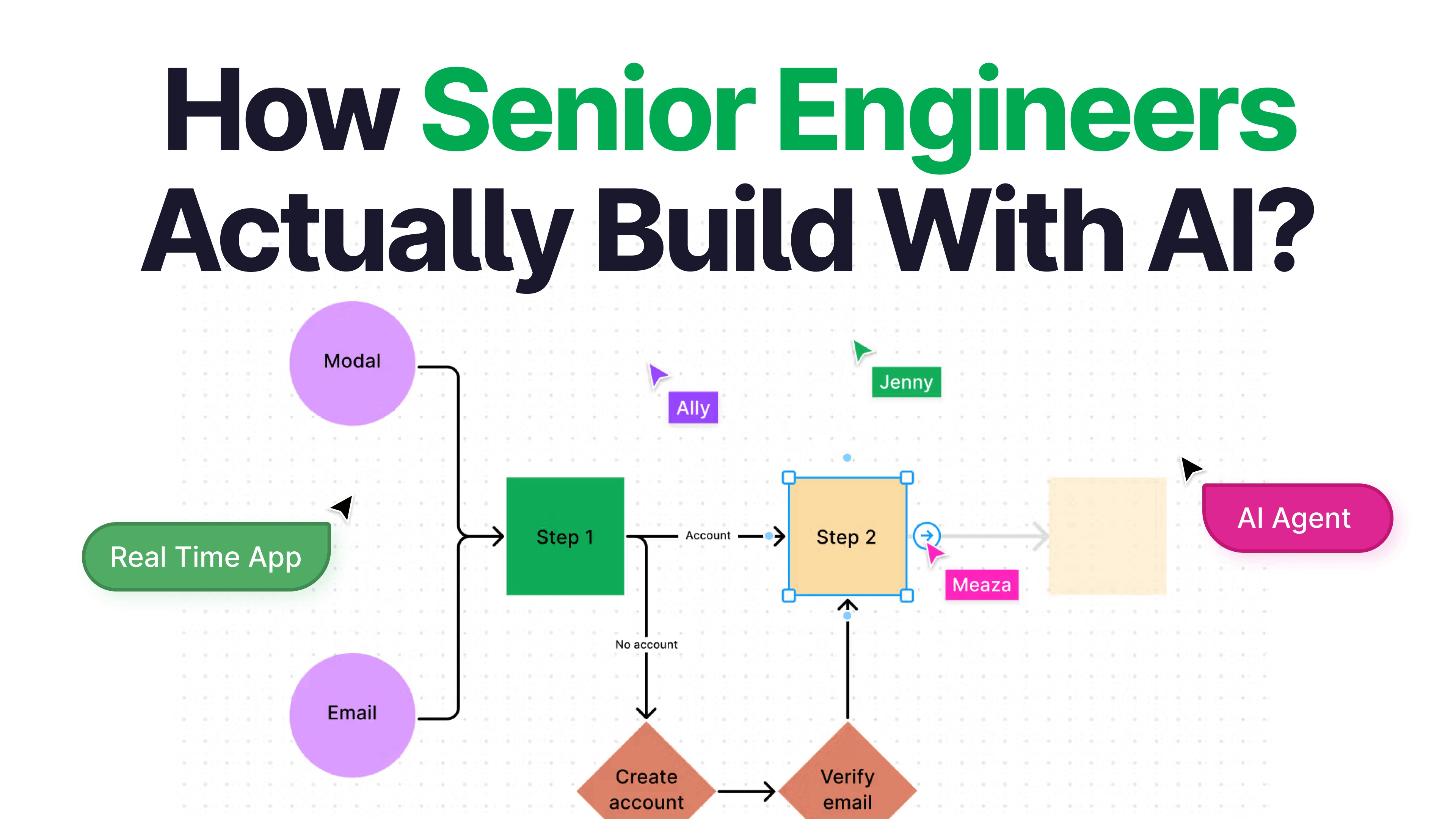
I built a real-time multiplayer SaaS using this exact methodology and recorded the entire process. Ghost AI is a collaborative architecture canvas. Describe a system in plain English, and an AI agent maps it onto a shared canvas live while your team watches. The final architecture exports as a complete technical spec.
The video walks through the methodology in detail, opens the actual context files I used, and ships the entire app from blank repo to deployed.