Inject the WOW Factor into Your Web Pages with GSAP and Three.js
Loading...
Loading...

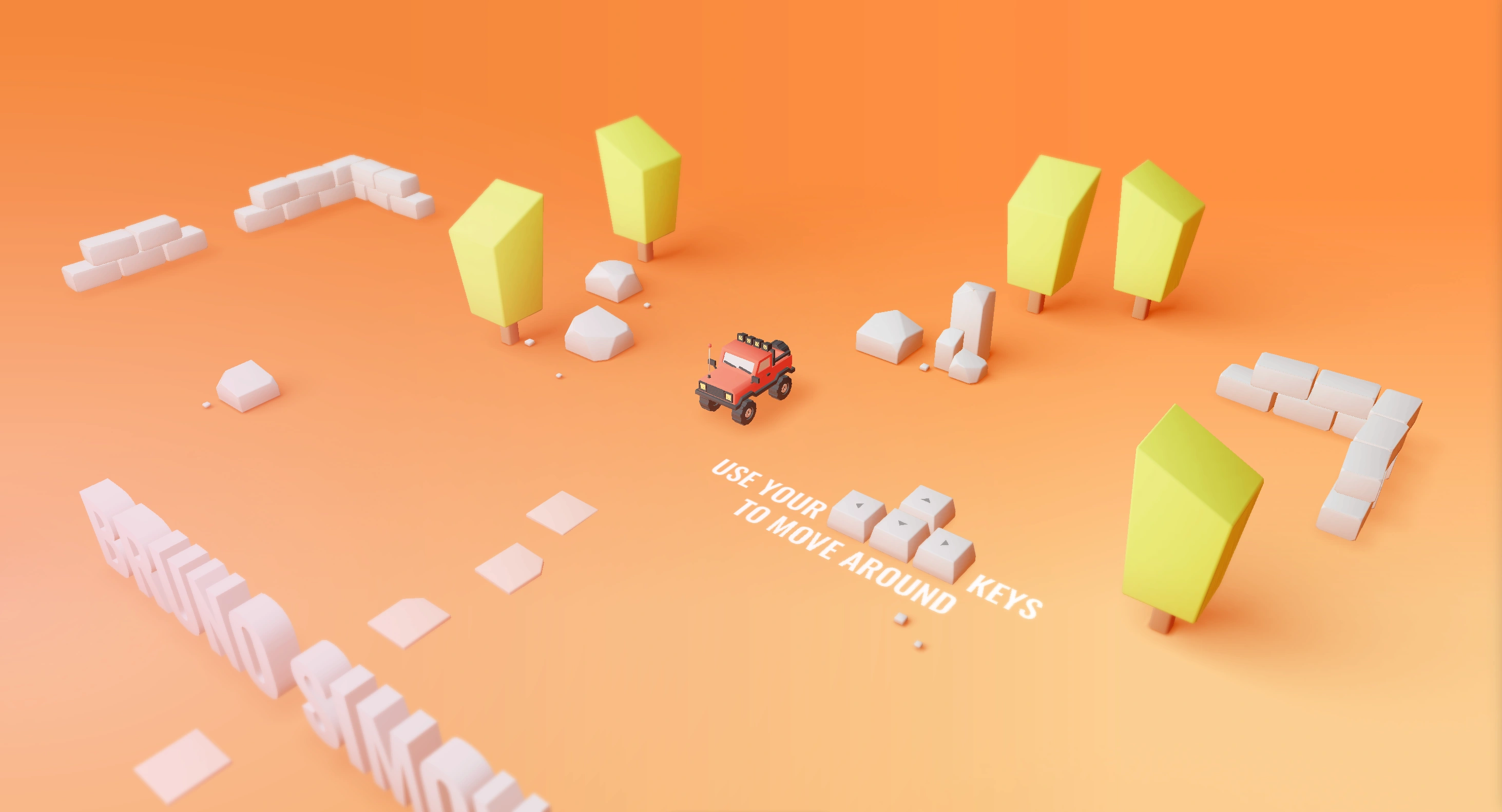
Have you ever stumbled upon websites like this one and this one, and wondered, "Can I also build that? Like... really?”
Well, we're here to tell you that, "Yes… yes, you can!”
With the help of two powerful JavaScript libraries - GSAP and Three.js - you can breathe life into your web pages to really give them that WOW factor that you’ve been looking for.
This article will guide you through the core concepts of these libraries, their unique features and how they're shaping the future of web interactivity.
So, if you’re ready to level-up your web development skills and take your web pages from boring to soaring, let’s dive in and explore the world of animations and 3D modeling! 🚀
GSAP (Green Socks Animation Platform) is a high performance JavaScript animation library that allows you to effortlessly animate anything JavaScript can touch.
You just have to head over to their homepage to get an idea of the impressive things that GSAP can do!
Here’s a sneak peek:

You can truly animate anything - from UI’s and SVG’s - to create immersive 3D experiences.
From exciting scroll animations to changing the shapes of objects, text effects, UI interactions and more.
Pretty much any exciting website that you see with animations, parallax effects or fancy scrolling tricks is likely made with GSAP!
You can:
GSAP is the for your web application animation needs.
Gucci, Spotify, Nike, Shopify and even Google use it!

Of course, we are all familiar with Framer Motion - known for it’s gesture-based interactions and its declarative syntax which tightly integrates with React.
For simple animations in React, it’s the top choice!
Both animation libraries have their own unique use-cases.

But, here’s where GSAP shines:
GSAP is known for its exceptional performance, even in complex animations. Its optimizations keep the animations smooth, making it the go-to choice for applications in which performance matters.
GSAP also offers a high-level of flexibility and control over animations, allowing you to create complex sequences, timelines and effects.
GSAP is extensively tested and supported across many browsers and devices, ensuring consistent animations for all users.
GSAP has a rich feature set allowing you to do anything - from simple effects to advanced physics-based animations.

Now, let’s move on to the second most-important technology when we’re making our apps interactive.
You guessed it, it’s Three.js!
Three.js is a powerful, open-source library for creating stunning 3D visuals on the web.
It provides developers with an easy-to-use set of tools and utilities for building interactive, animated 3D graphics that can be rendered in any modern web browser.

With Three.js, developers can create a wide range of 3D objects and scenes, including:
Whether you're building a game, a data visualization, or an interactive product demo, Three.js offers the flexibility and power you need to bring your ideas to life.

Before Three.js, creating 3D graphics for the web was a complex task.
Web developers had to rely on low-level API’s like WebGL, and special plugins like Adobe Flash and Unity - remember those? They had limited browser support and were difficult to use.
With a growing demand for immersive web experiences and increasing strength of modern browsers, developers needed a better solution for 3D apps.
Three.js came in and filled this gap by abstracting away the complexities of WebGL and providing a user-friendly API for building 3D scenes using JavaScript.

Some of the key features of Three.js are:
Three.js abstracts away all WebGL’s complexities providing a higher-level API that simplifies the process of creating and rendering 3D graphics.
It has a high cross-platform compatibility making apps work seamlessly across different devices and browsers.
It provides a rich set of tools and utilities for creating immersive 3D experiences - including support for lighting, shading, textures, animations and interaction.
It’s very fast. Using WebGL’s hardware accelerated rendering, Three.js ensures smooth and efficient performance, even for complex 3D scenes.
It also has an active community of developers contributing tutorials, examples and plugins - making it the go-to choice for developing 3D apps.
Starting to learn Three.js is like diving into a new exciting world with many features and concepts to learn!
To properly learn three.js, you’ll have to move away from the 2D vision and start seeing websites in 3D.
Let’s quickly cover the most important concepts in 3D development.
In a 3D space, objects possess three-dimensional properties - like , and .
Or in math - , and .

Unlike the two-dimensional world which we typically interact with on screens, 3D space adds allowing for a more realistic experience.

This is the canvas where all the objects, lights and cameras are placed. It’s the environment in which the 3D world exists and where interactions happen.
Then, there’s the renderer.
This converts the 3D scene into 2D images that can be displayed on the screen. It’s responsible for rendering the screen on to the browser.

The camera plays an important role in defining the viewpoint from which the scene is viewed.
It determines what it visible in the rendered scene.
Cameras have properties like , and that determine their behavior and how the scene is rendered.
Three.js supports different types of cameras with special behaviors, like:
A perspective camera which mimics the way the human eyes perceive the world - creating a sense of depth and perspective.
An autographic camera, which renders objects without perspective - which is useful for technical drawings or 2D games.

Lights illuminate the scene and affect the appearance of objects.
Three.js supports different types of lights, including:
Lights have properties like , and that control their behavior and influence on the scene.
Now that we have the scene, the camera and the lights, we can finally see some things within the space!
At this point we could start to consider things such as - which is the basic building block of 3D objects in Three.js.

Three.js also has more complicated features - like shaders and tweaking with meshes. But this is beyond the scope of this article, so we encourage you to take a look at the free GSAP and Three.js guide we created!
You can also find it in the description of our 3D Developer Portfolio tutorial on YouTube. 🔥
There are a few ways to add Three.js to our projects depending on the project requirements and our preferences.
All we have to do is add a CDN script tag for Three.js.

Each one of these has its own way of integrating Three.js. But let’s talk about React Three Fiber.
React Three Fiber is a library that allows us to easily integrate Three.js into React applications - and even makes it possible for us to create 3D scenes with React components.

In Vanilla JavaScript, we would first have to set up the scene, figure out where we want to render the canvas, then add a cube to the scene - and maybe even apply an animation.
// Create a sceneconst scene = new THREE.Scene();// Create a cameraconst camera = new THREE.PerspectiveCamera(75, window.innerWidth / window.innerHeight, 0.1, 1000);// Create a rendererconst renderer = new THREE.WebGLRenderer();renderer.setSize(window.innerWidth, window.innerHeight);document.body.appendChild(renderer.domElement);// Create a cubeconst geometry = new THREE.BoxGeometry();const material = new THREE.MeshBasicMaterial({ color: 0x00ff00 });const cube = new THREE.Mesh(geometry, material);scene.add(cube);// Position the cameracamera.position.z = 5;// Animate the cubeconst animate = function () {requestAnimationFrame(animate);cube.rotation.x += 0.01;cube.rotation.y += 0.01;renderer.render(scene, camera);};animate();
With React Three Fiber, it is much easier and more similar to what we’re used to.
Here’s how you do it:
Import the and the from React Three Fiber
React Three Fiber essentially acts as a wrapper which makes it easier to add 3D scenes to our React applications.
import React, { useRef } from 'react';import { Canvas, useFrame } from '@react-three/fiber';import { Box } from '@react-three/drei';function RotatingBox() {const meshRef = useRef();useFrame(() => {meshRef.current.rotation.x += 0.01;meshRef.current.rotation.y += 0.01;});return (<Box ref={meshRef} scale={[1, 1, 1]}><meshBasicMaterial attach="material" color="green" /></Box>);}
GSAP and Three.js are a powerful combination that you can use to bring your web pages to life!
While Three.js focuses on 3D modeling and rendering, GSAP handles the animation side of things. Together, they empower us to create visually stunning and interactive web experiences.
But if you’re a little weary to tackle complex animations and 3D development on your own, head over to our YouTube channel and code along as we re-create the incredible Apple iPhone 15 Pro website from scratch!
Also, don't forget to grab our Ultimate Three.js Cheatsheet here.
Here’s to transcending the ordinary and creating extraordinary digital experiences. 🚀


Join JS Mastery Pro to apply what you learned today through real-world builds, weekly challenges, and a community of developers working toward the same goal.